
Florida Highway Patrol Arrest Records
FHP stands for Florida Highway Patrol. It works under the Florida Department of Highway Safety and Motor Vehicles, or FLHSMV. That makes it a statewide highway agency, not a county corrections office. Troopers arrest people during patrol work. But FHP runs no statewide jail and posts no complete arrest roster. The patrol action and the jail booking are separate records at separate agencies.
Why does that matter? A trooper may make the arrest. The person is then handed to a county sheriff for booking. The sheriff holds the booking entry and custody status. It also holds any booking photo that local rules allow. FHP may describe the enforcement event in its own materials. The reader still has to find the receiving county's custody record. That county is the real key to a booking search.
The official Florida Highway Patrol troop-boundaries page lays out the agency's structure. It maps patrol areas as Troops A through H, K, and L. Troops I and J handle commercial-vehicle enforcement. The map links a road event to a patrol area. The county destination still decides where the booking lives.
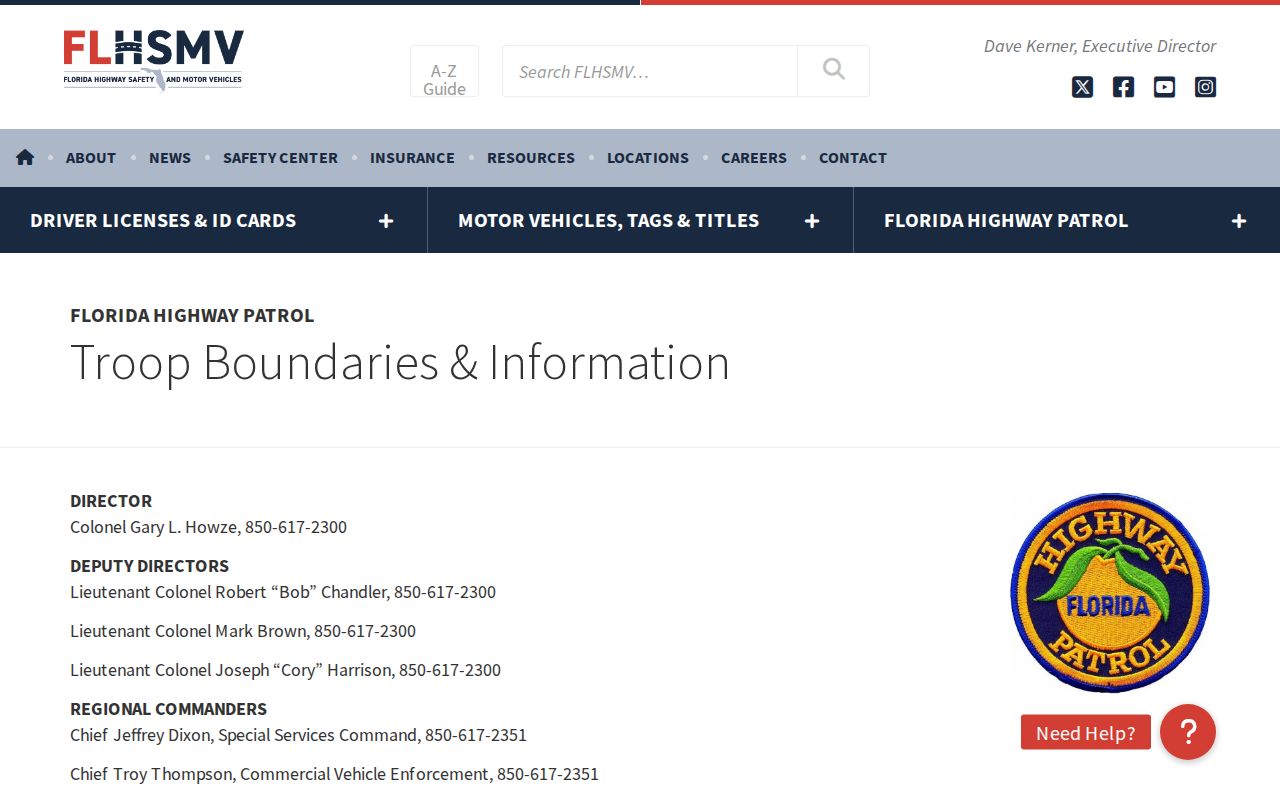
Treat the map as an agency reference, not an arrest list. Find the FHP area, then confirm which county received the person.
Florida FHP Arrest News Channels
For FHP arrest news, the FLHSMV press-release index is the strongest statewide starting point. The official FLHSMV press-release index carries selected department announcements, including some highway patrol enforcement events. Remember what it is. A newsroom is not a daily booking feed. A missing release does not mean no arrest happened. An event release may also describe a group operation without naming every booking. When an item is hard to spot there, the broader FLHSMV news page helps. That page offers another official route. A news post summarizes an event. It is not the arrest report or county booking record.
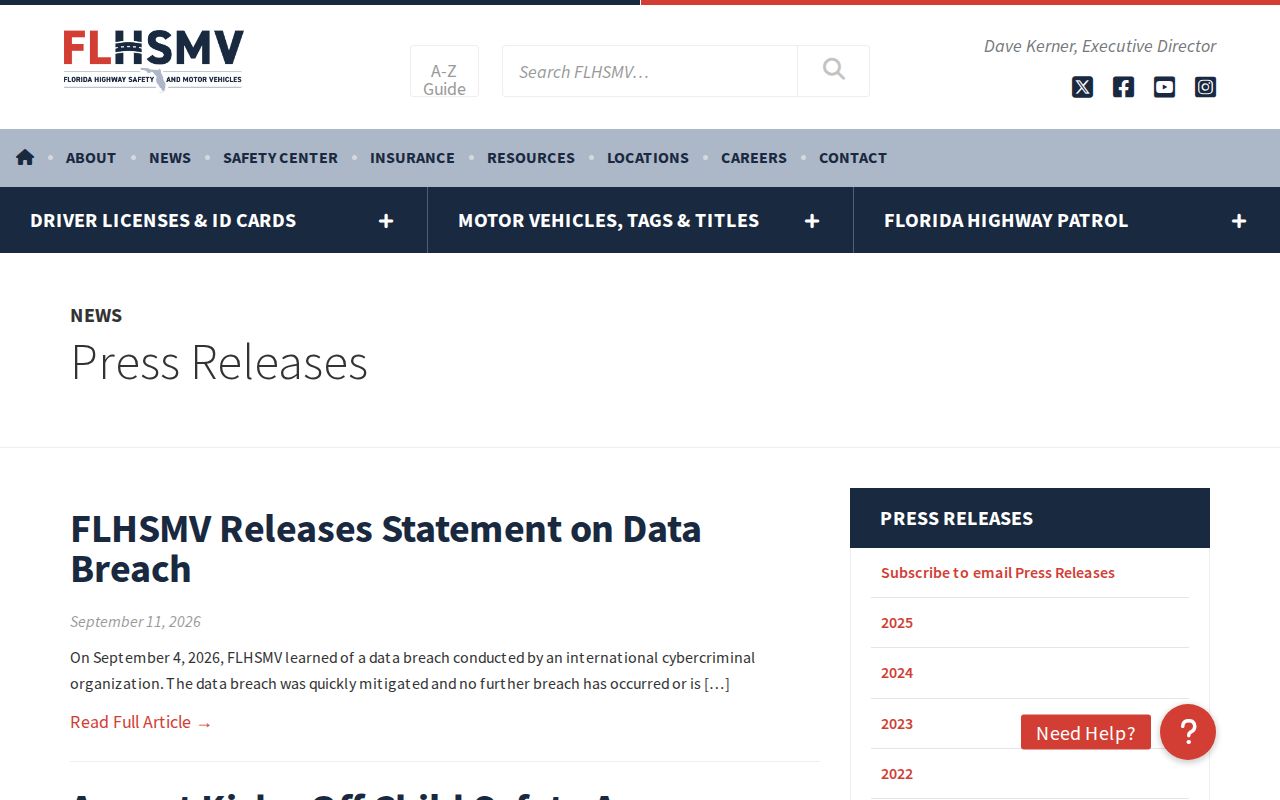
FLHSMV's news page gives the wider department view. Neither newsroom promises a complete or same-day list of FHP arrests.
| Official channel | What it can show | What it does not establish |
|---|---|---|
| FLHSMV press releases | Selected FHP and department announcements, including enforcement news | A complete arrest log or every county booking |
| FLHSMV news | Broader department announcements and alternate news navigation | A guaranteed daily update or custody roster |
| Live FHP traffic interface | Road incidents, crashes, conditions, and dispatch details | Proof that anyone was arrested or booked |
| FHP policy documents | Agency rules for public information and planned checkpoints | A list of checkpoint arrests or event outcomes |
The FHP public-information policy explains how the agency handles its news. Its checkpoint policies cover planned events. These span driver-license, vehicle-safety, and roadside safety operations. Those rules explain why an event gets announced. They still create no public feed of DUI arrests or checkpoint results.
How to Find Florida FHP Arrests
Begin with the record you actually need. A release can identify an enforcement event. A county roster can show a current booking. A records request can seek the underlying report. Each channel has its own purpose and pace. Search with a full name plus a likely date or county, and allow for misspellings and lag between the stop, delivery, booking, and online posting.
- Check FHP news. Search the FLHSMV release index and broader news page for the event, county, date, or operation. Treat any result as agency news rather than a full arrest record.
- Identify the receiving county. If a release names a location or troop, use those details to narrow the likely booking area. The county sheriff, not FHP, maintains the local custody system.
- Open that county's official source. Use the Florida County Directory to reach county records and jail pages. Search the current roster or booking view, where one is offered, and note whether it shows current custody or past bookings.
- Request the source record. If a roster is missing, old, or too brief, ask the appropriate FHP or county custodian for the specific existing record. Include the event details and ask what fee and response time to expect.
For a fresh event, a county's newest-booking view may beat an FHP release. Not every county posts one, though. The statewide Daily Arrest Report explains how same-day county views differ. It also covers why a current-custody screen may omit someone who was released, moved, or never posted online.
Where Florida FHP Arrests Are Booked
Florida Statutes §321.05 spells out FHP's authority. It sets the route. A person arrested by a patrol officer goes to the county sheriff for further proceedings. That rule explains why FHP arrest news and booking data can sit in different systems. The county sheriff or jail handles booking and the local custody record. FHP keeps its own incident or arrest report. When a public FHP release names an arrest, the receiving county is the next lead. That lead matters when no FHP booking entry appears.
Florida has no single countywide photo rule. Some sheriff systems show a booking photo with a live custody entry. Others expose only limited fields or no public roster at all. A booking is the record made when a person is accepted into custody. It can hold identifying and charge details. A public page may show only part of it. Release from jail can drop a person from a live roster. The booking record stays with the custodian.
Follow the booking, not just the arresting agency. An FHP arrest is not always an FHP-posted booking. Search the receiving county's jail or corrections page first. If the web roster comes up empty, request the underlying FHP or county record directly.
Once a case moves past the county jail, the Florida Department of Corrections offender search takes over. It covers sentenced felony offenders only. Fresh arrests stay with the county jail, and a court's final outcome lives in yet another record system.
Florida FHP Arrest Report Requests
Start with the department's Open Government page for any FHP or FLHSMV record. Route the request to the right records custodian. Florida's public-records framework, found in chapter 119, including §119.07, covers eligible existing records. Exemptions and redactions can apply. Ask for a specific document rather than an investigation of an event. Narrow requests route faster. The FLHSMV Open Government request path also handles public-records requests. It keeps those separate from the distinct process for a traffic crash report.
Gather the basics before writing. That means the event date, the location, the county or troop if known, a report number if one exists, and the exact record type wanted. A booking entry, an arrest affidavit, and an incident report can each be requested as separate documents.
- Choose the custodian. Use FLHSMV's Open Government path for an FHP or department record. Contact the county sheriff or jail custodian for its booking entry or booking photo.
- Describe the record. Give the date range, location, person's name if known, event or case number, and the specific record requested. State whether an electronic copy will work.
- Ask about scope and cost. Request an estimate before extensive work or copies. Any authorized cost depends on the record, format, and work needed; do not assume a crash-report charge applies to an arrest report.
- Keep the response. Save the request, acknowledgment, estimate, and any notice that a record is withheld or redacted. Ask the custodian to identify the legal basis and release non-exempt portions where possible.
Florida sets no single deadline for every request. The custodian must respond promptly. Actual timing depends on scope, review, redaction, and workload. Ask for an estimate. Keep the written response, since silence online is not a formal denial. Crash reports run on their own track. FLHSMV's Traffic Crash Reports page points to the state crash portal and related forms. §316.066 limits access for the first sixty days after a crash. Only specified involved people and their representatives qualify. After that window the report is generally public, subject to exemptions. Crash reports can carry their own copy or vendor charges. Those fees say nothing about the price or access rules for an FHP arrest report.
Florida Highway Patrol Checkpoint Arrests
Checkpoint news can surface a few ways. An FLHSMV release may carry it. So may a broader department announcement or a local county booking page. FHP's driver-license and vehicle-safety checkpoint policy and comprehensive roadside safety checkpoint policy lay out the formal rules for these operations. Read them as procedure, not as a running count of stops, citations, arrests, or bookings. An announcement may preview a planned event. Yet it may never list who was taken to jail afterward. Treat any release reporting arrests as a summary. It reflects what the agency says happened that day. It can omit people, later court outcomes, and records another agency holds. To confirm custody or get a report, follow the receiving county's booking and records-request path. Do not treat the news item as the full file.
Note: Event announcements, checkpoint rules, county booking records, and court outcomes answer different questions and may be posted at different times.
Florida FHP Live Arrest Feed Limits
The live FHP interface helps with road activity, but its fields describe crashes and road conditions. It filters incidents by county and incident type. A reader can see when an event was received, dispatched, or reached by responders, plus a location and remarks. Those details describe a roadway incident. They do not confirm an arrest, a booking, or any offense by a person. The official FHP live traffic and road-condition interface is the right source for its incident feed. Use it to understand a call or road event. It is no substitute for an arrest search.
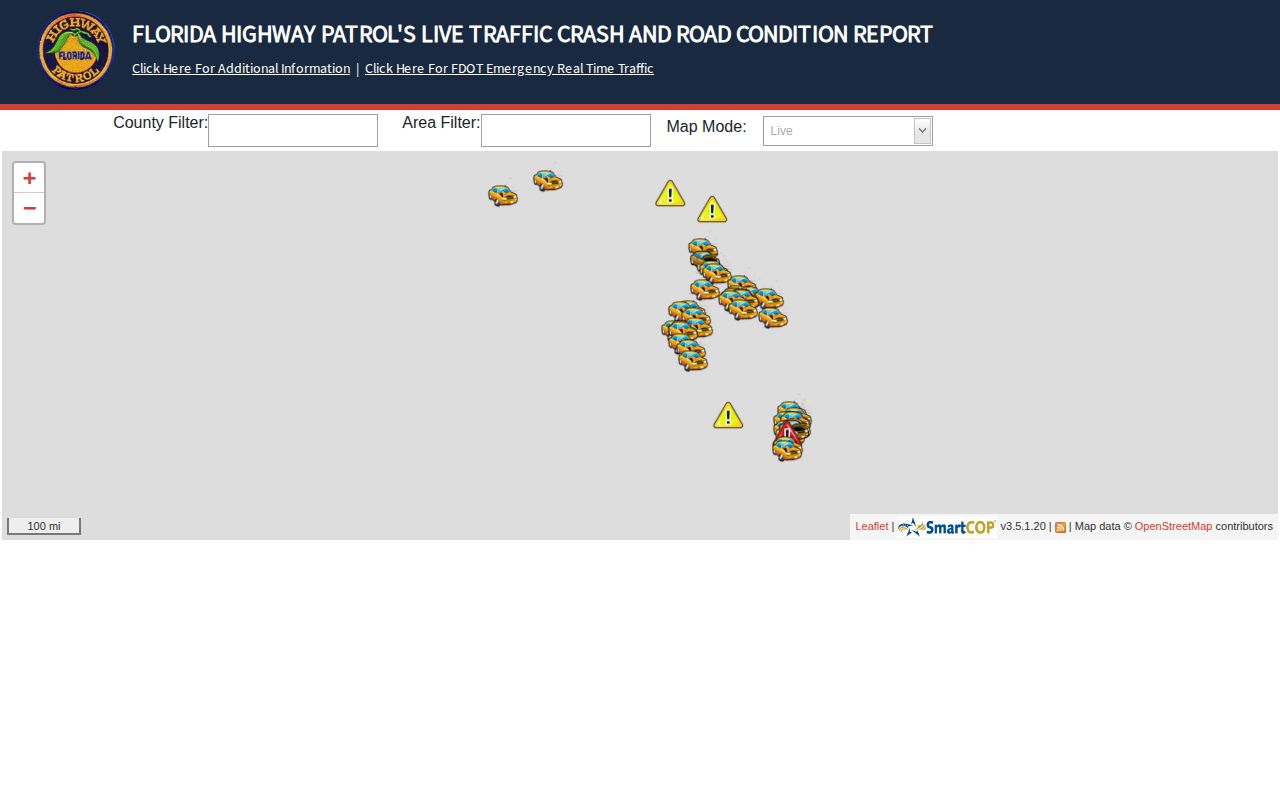
A trooper's call may end in a county booking. The CAD entry, though, may never show up as a separate arrest record. Check FHP news for selected updates first. Then go to the receiving county's roster or records custodian for booking details. The practical search is two steps. Incident or news information comes from FHP, followed by booking confirmation at the county.